A native SPICE client, not a browser tab.
SpiceSee is a native macOS remote console for Proxmox VE and plain QEMU/libvirt guests. Metal-backed pixels, real Mac keyboard handling, a clipboard that works both ways — no browser tab in sight.

Native support for Proxmox .vv files
SpiceSee registers as the handler for the console files Proxmox's web UI hands you. It reads the host, ports, ticket, pinned CA and host-subject, connects over TLS, and — if you like — deletes the file afterwards, because the ticket only lives about thirty seconds anyway.
A native Swift implementation of a SPICE viewer.
Metal-backed viewport
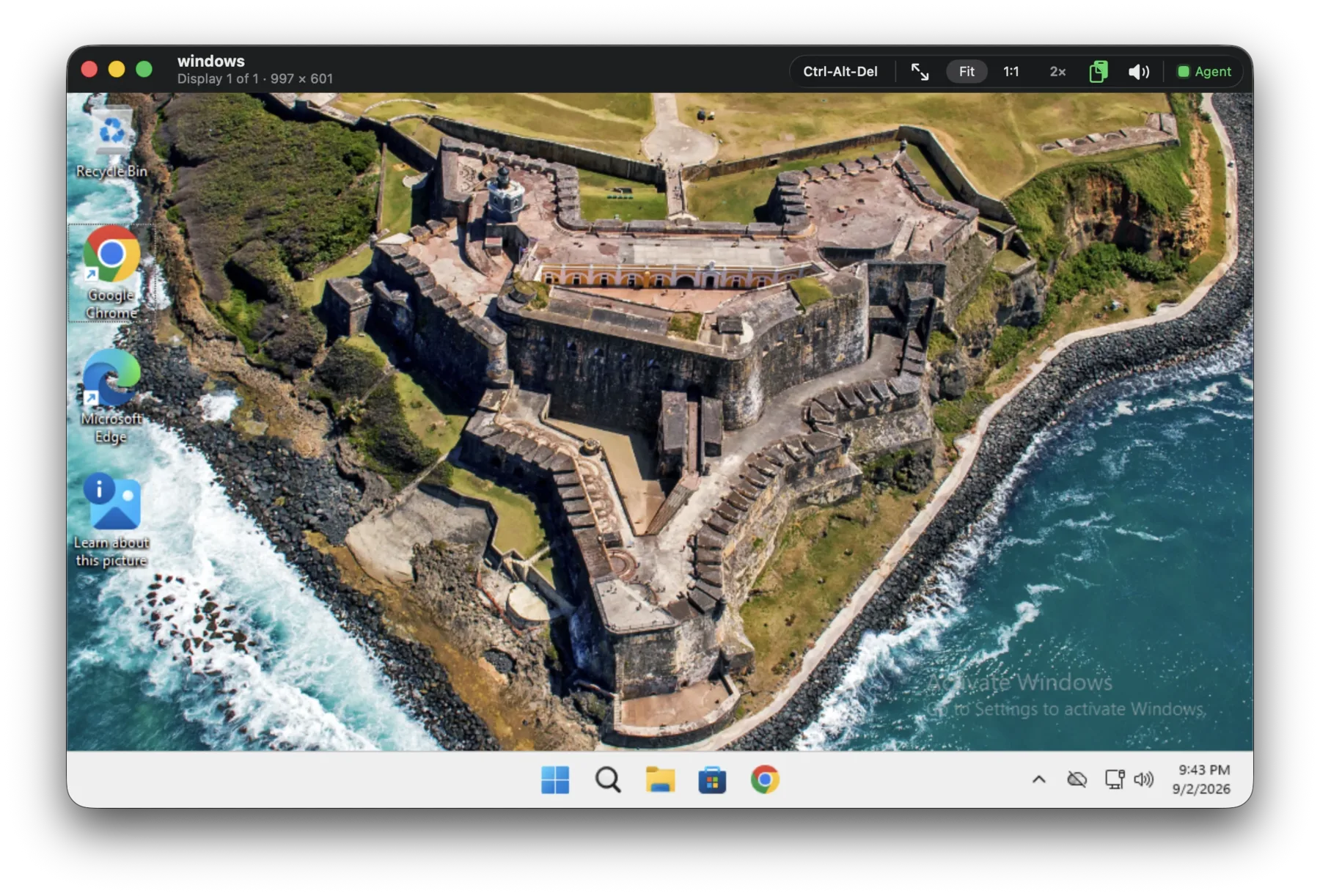
Surfaces are decoded off the main thread and handed to Metal without a copy. Fit the window, snap to 1:1, or go 2× — the HUD tells you which.
Keyboard that behaves
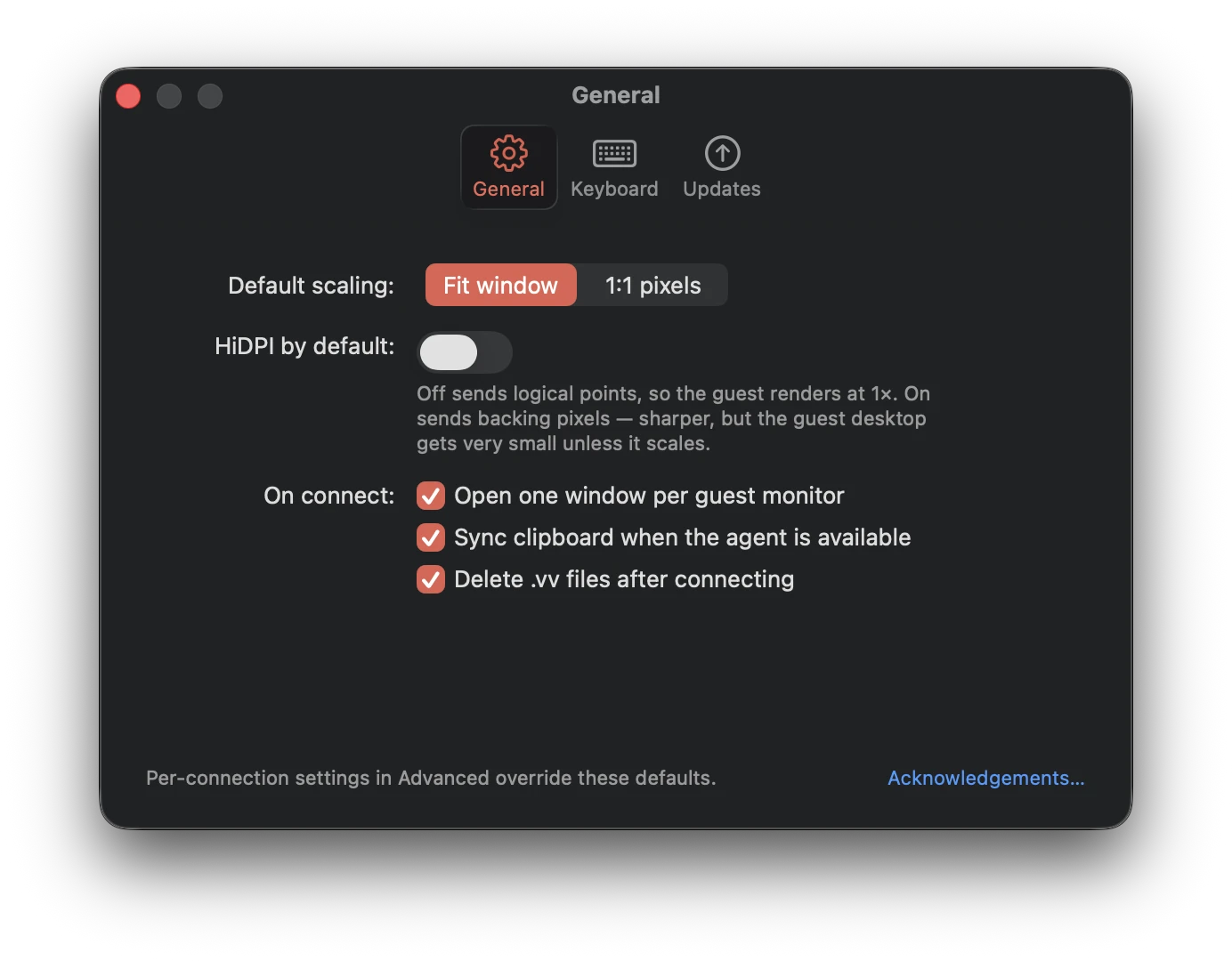
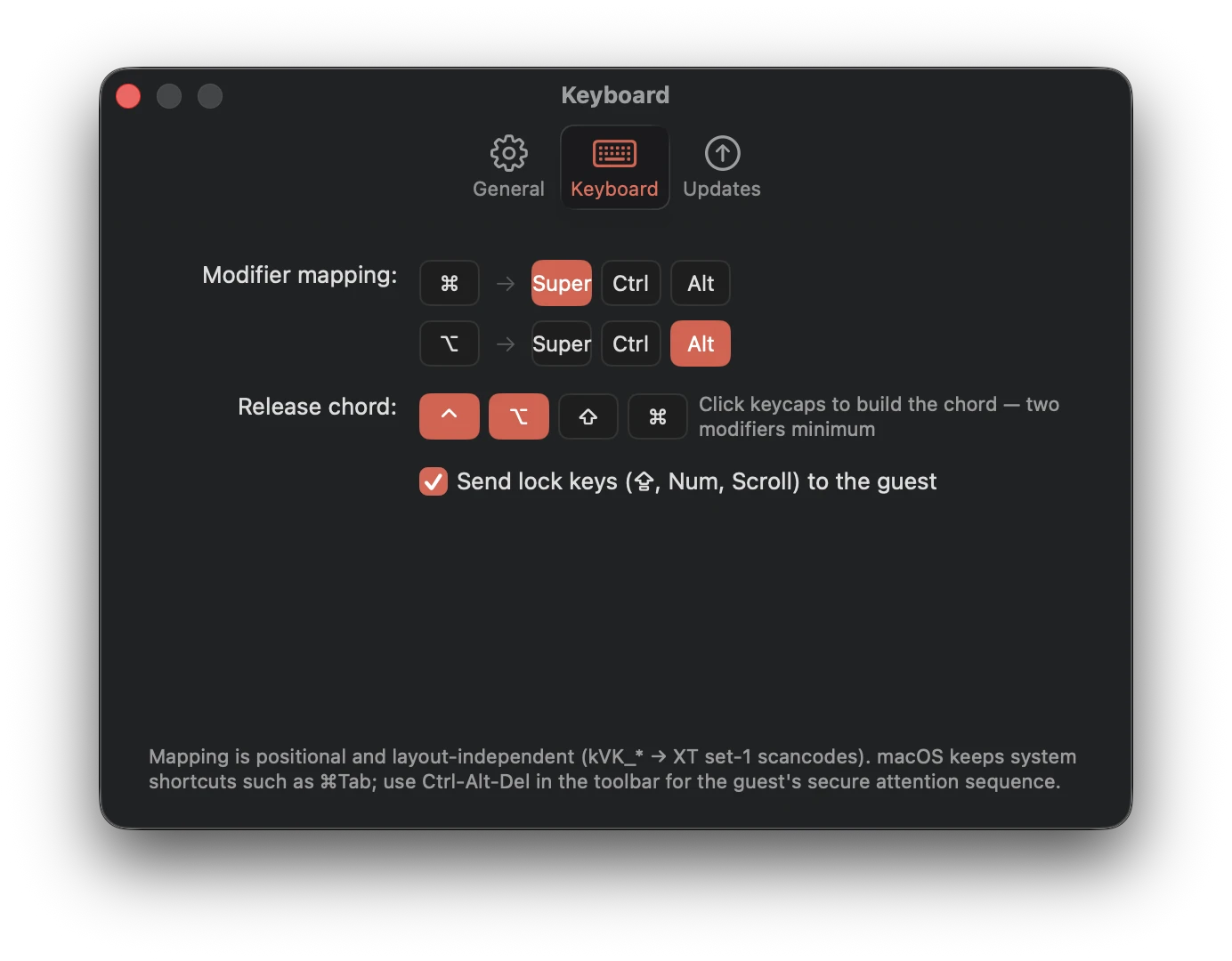
Positional, layout-independent mapping to XT scancodes. Choose whether ⌘ lands as Super or Ctrl, and build your own release chord from real keycaps.
Clipboard both ways
Text and images move between macOS and the guest whenever the SPICE agent is running. Bytes are fetched only when something is actually pasted.
Resolution follows you
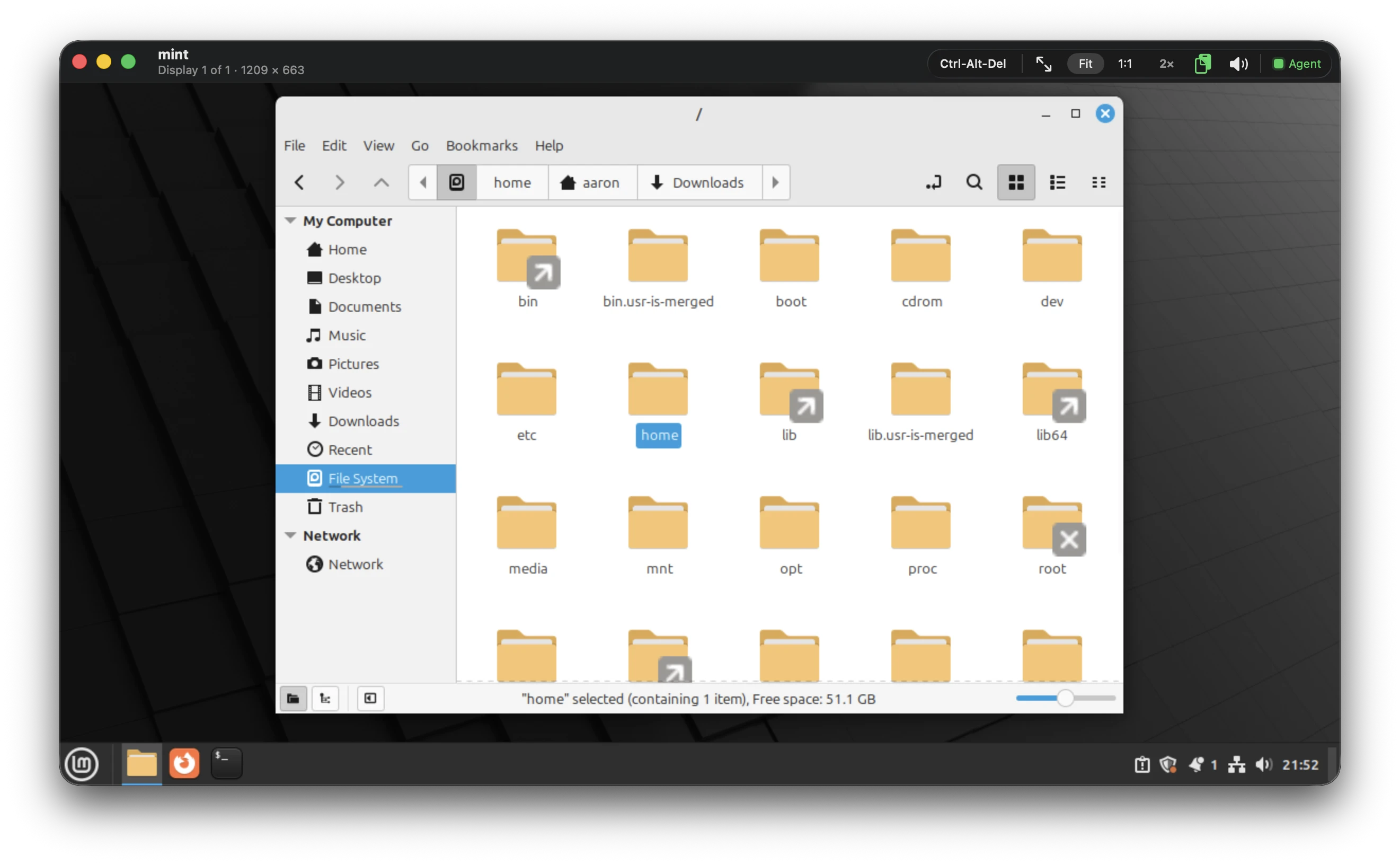
Resize the window and the guest desktop resizes with it. Multi-monitor guests get one Mac window per display, opened on connect.
Guest audio, playing
Playback arrives on its own channel straight into CoreAudio. If it drops, the session says so and keeps going instead of tearing down.
Migration-aware
When a VM migrates mid-session, SpiceSee catches the switch-host message and offers to reconnect with the new host already filled in.
A toolbar that stays out of the pixels
Guest name and live resolution on the left; scaling, Ctrl-Alt-Del, clipboard, audio and agent status on the right. Narrow the window and the secondary items fold into an overflow menu instead of crowding the guest.
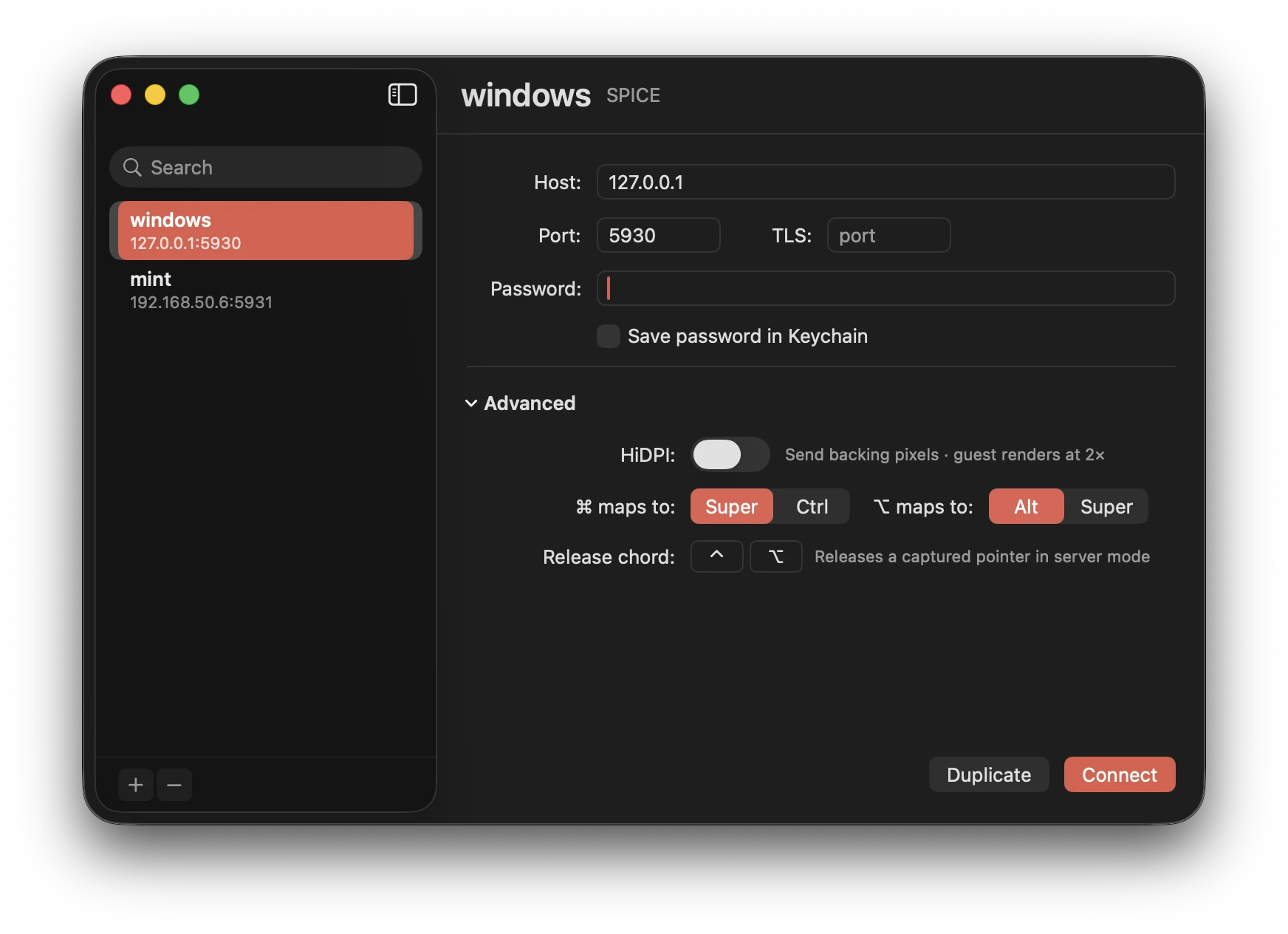
Saved hosts, sensible defaults, per-host overrides
Keep every guest in a searchable sidebar with host, port and optional TLS port. Passwords go in the Keychain only if you ask. Open Advanced to override HiDPI, modifier mapping and the pointer-release chord for one host without touching your defaults.
Duplicate · Connect · ⌘ maps to Super or Ctrl

Download SpiceSee
A signed, notarized disk image. Drag it to Applications, add a host, connect.
Download the DMG